Meet someone new
Random matchmaking pairs you with another eligible player who wants a face-to-face game right now.

Social chess with real presence
Find someone new for a face-to-face game, see the reactions behind the moves, and connect with players you would genuinely like to challenge again.
Free Tier includes five games per day. Random video matchmaking requires a one-time 18+ age confirmation.
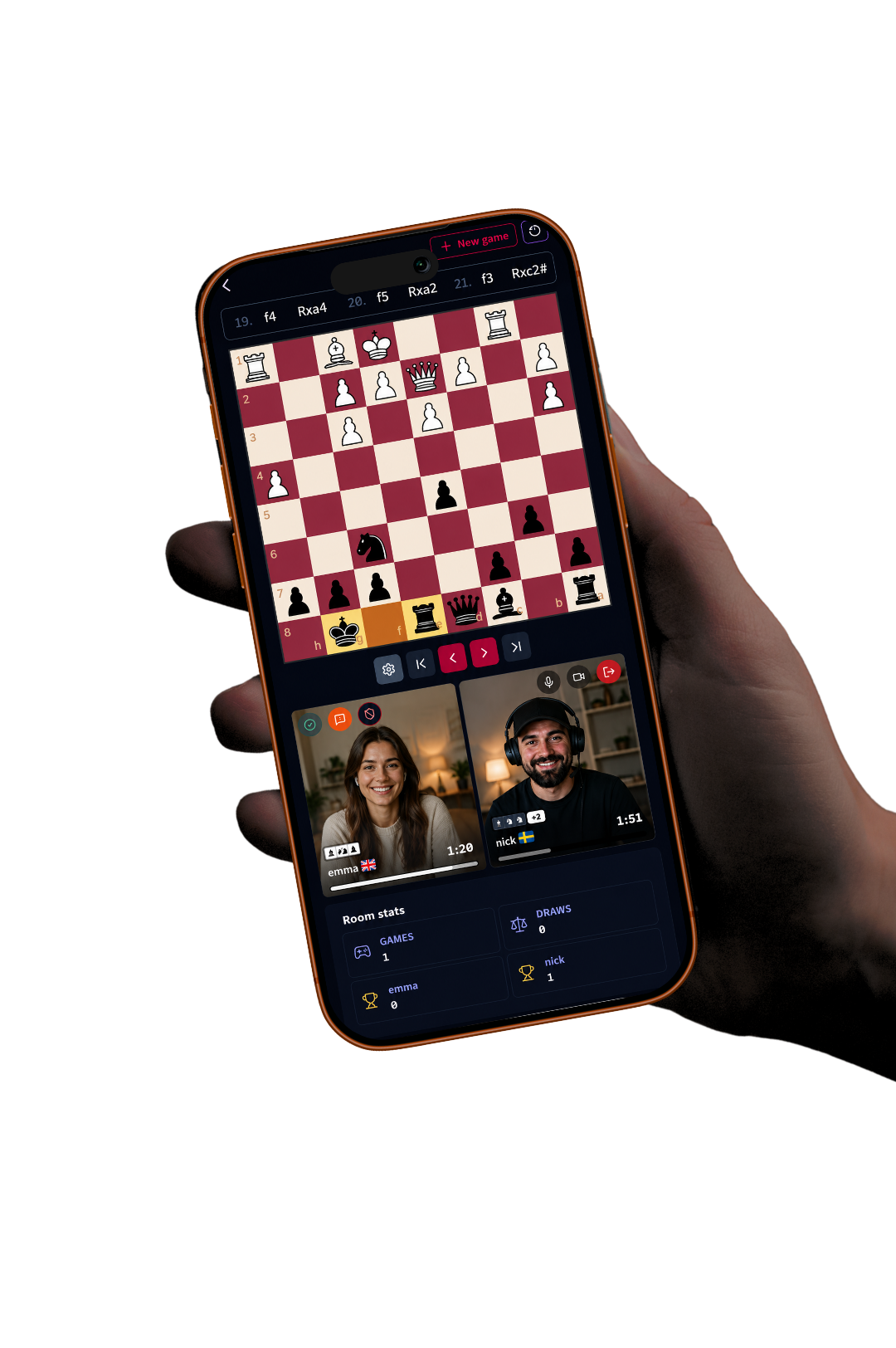
Random matchmaking pairs you with another eligible player who wants a face-to-face game right now.
Compact live video and voice bring emotion back without pushing the board out of focus.
Send a Connection request so an enjoyable opponent becomes someone you can find and challenge later.
Prefer a familiar opponent? Create a private room and share its invitation without changing the social experience.
More than a random pairing
ChessTV keeps the position central while live video, voice, clocks, and game controls stay close. Meet over the board, share the moment, then connect after the game instead of losing a good opponent to a queue.
Meet your next opponent ChessTV private room
Friend
Camera on
You
Voice connected
The social chess loop
Enter random matchmaking when you want to meet someone new. Play face-to-face, send a Connection request if the game clicks, and see when that player is online for the next challenge. You can still create a private room when you already know your opponent.
Learn more about social chess with camera →Before you play
Yes. Random video matchmaking pairs eligible players who want a face-to-face chess game. It requires a one-time self-declared confirmation that you are 18 or older.
No. Camera is optional. You can use voice, mute the microphone, turn video on or off, or play with just the board.
ChessTV does not routinely record or store complete video or audio sessions. A safety report may include one limited still frame of the reported player as restricted moderation evidence.
You can offer another game in the room or send a Connection request. Connected players can see relevant online status and challenge each other again later.
Create a free account, meet someone over the board, and turn one good game into a connection you can return to.
Start playing socially


